NEXT_PUBLIC Env Variable in Docker: Rebuild, Don't Restart
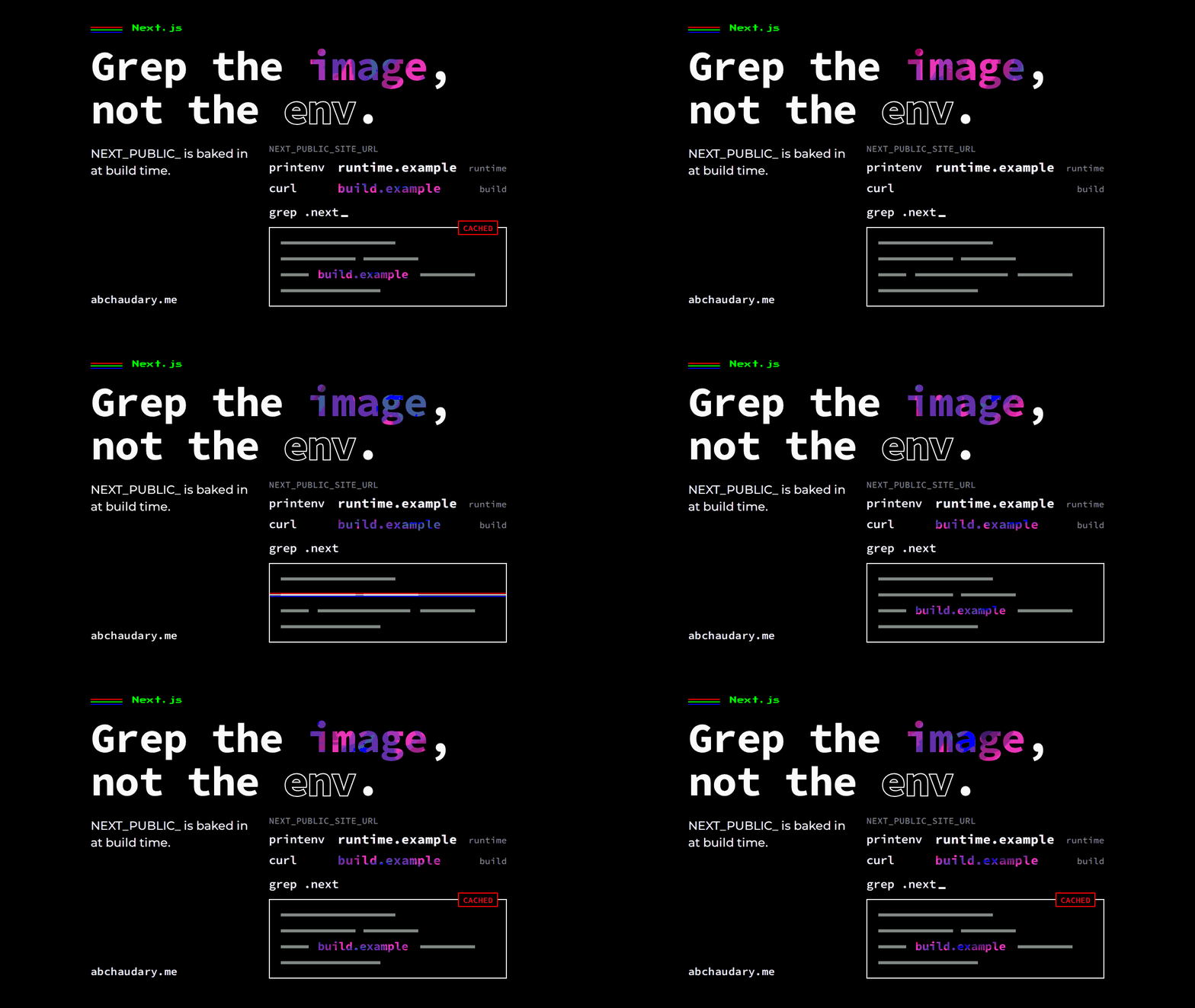
Next.js replaces a NEXT_PUBLIC env variable with a literal at next build, in server code as well as the browser, so restarting a Docker container with a new value changes nothing.
printenv inside the Docker container printed https://runtime.example. curl against the same container, on a route marked force-dynamic, returned https://build.example. I'd expected the browser bundle to be stuck on the old value. I hadn't expected the server to be stuck too.
That was the first run of a small demo I built on 23 October 2026 to settle a question about this site: which of its NEXT_PUBLIC_SITE_URL reads pick up a new value on restart, and which need a rebuild. The answer was "fewer than I thought", and the rebuild itself turned out to have a trap. (This isn't the same as the bug that also put the wrong origin in page titles. There the env var was right and a module-scope snapshot was empty.)
TL;DR: Next.js replaces process.env.NEXT_PUBLIC_* with a literal string when next build runs. On Next.js 16.3.3 with Turbopack that happens in server bundles too, so a running Docker container with a new value still serves the old one, even from a dynamic route. Prerendered pages keep every value they read at build time until they're revalidated. If you change a NEXT_PUBLIC env variable, rebuild the image, and make sure the rebuild doesn't come from cache.
Does changing a NEXT_PUBLIC variable on a running container change anything?
No, not for any NEXT_PUBLIC_ read Next.js inlined at next build, and on Next.js 16.3.3 that includes server code. In my demo, a container started with -e NEXT_PUBLIC_SITE_URL=https://runtime.example served the build value on a prerendered page, a force-dynamic page and a Route Handler, while its environment held the new value the whole time.
The demo mirrors this site's Dockerfile: deps, builder and a standalone runner stage on node:22-alpine, with the build-time env passed as a BuildKit secret mounted as .env.local for the next build step only. The runner image has no .env file at all.
The demo's build step:
RUN --mount=type=secret,id=build-env,target=/app/.env.local npx next build ${NEXT_BUILD_FLAGS}I built it with https://build.example in the secret and started it with https://runtime.example. Then I ran this:
$ docker exec a7demo cat /proc/1/environ | tr "\0" "\n" | grep NEXT_PUBLIC
NEXT_PUBLIC_SITE_URL=https://runtime.example
$ curl -s http://127.0.0.1:3917/dynamic | grep -o '<p id=...'
<p id="server-direct">server direct: <!-- -->https://build.example</p>
<p id="server-lookup">server lookup: <!-- -->https://build.example</p>
$ curl -s http://127.0.0.1:3917/api/site-url
{"direct":"https://build.example","lookup":"https://build.example"}
If you docker exec in to debug this, everything looks fine. That's what makes it annoying.
Where does Next.js write the value, and how do I check?
Next.js writes a NEXT_PUBLIC_ value into the build output itself: the prerendered HTML and RSC files, the server chunks and the browser chunks under .next. To check, build with a value you'd never see by accident, like https://build.example, and grep .next inside the image. In my run it turned up in the prerendered HTML and its three RSC payload files, in four server chunks and in one browser chunk. runtime.example appeared nowhere.
$ docker exec a7demo grep -rl build.example /app/.next
/app/.next/server/app/index.html
...
/app/.next/server/chunks/[root-of-the-server]__1rxjq48._.js
...
/app/.next/server/chunks/ssr/app_client-value_1uly_e1.js
/app/.next/static/chunks/1d-oofrmmy768.js
Here's the compiled Route Handler. There's no process.env left in it, just the string:
"GET",0,function(){return Response.json({direct:"https://build.example",lookup:"https://build.example"})}This is in the Next.js docs, if you read the sentence closely. The value from next build replaces "all references to process.env.NEXT_PUBLIC_ANALYTICS_ID in the Node.js environment", and "if you build and deploy a single Docker image to multiple environments, all NEXT_PUBLIC_ variables will be frozen with the value evaluated at build time." I'd always read that as a browser rule. It covers the server too.
Which reads get inlined, and which don't?
The literal process.env.NEXT_PUBLIC_X always gets inlined. Under Turbopack, two patterns the docs list as "will NOT be inlined" were inlined as well in my test. Only a name built at runtime, an unprefixed variable, or passing the whole process.env object to a validator read the runtime value on a dynamic route.
I wrote one function that reads the same variable six ways and called it from all three routes. Results on the force-dynamic page and the Route Handler, with Next.js 16.3.3's default Turbopack:
process.env.NEXT_PUBLIC_SITE_URL: build value.process.env[NAME]withconst NAME = 'NEXT_PUBLIC_SITE_URL': build value. The docs giveprocess.env[varName]as a "will NOT be inlined" example.const env = process.env; env.NEXT_PUBLIC_SITE_URL: build value. Also a "will NOT be inlined" example in the docs.process.env[['NEXT','PUBLIC','SITE','URL'].join('_')]: runtime value.process.env.SITE_URL, no prefix: runtime value.z.object({...}).parse(process.env): runtime value.
I rebuilt the same source with next build --webpack to compare. Webpack left process.env[NAME] alone, as documented, but still inlined the const env alias. So the documented exceptions depend on the bundler, at least for this code. I treat any NEXT_PUBLIC_ read as baked until I've grepped the output.
In the browser, the reads that weren't inlined came back null, and the zod parse fell back to its default, http://localhost:3000. In the browser, process.env has nothing in it at runtime.
Why did a prerendered page keep the old value after a restart?
A prerendered Next.js page keeps the old value because it was rendered once, during next build, and saved as HTML. Every read on it showed the build value, including the unprefixed SITE_URL, which is a genuine runtime read. The response carries x-nextjs-prerender: 1. A restart never runs that code again.
This is the part that applies to this site. Nothing here sends NEXT_PUBLIC_SITE_URL to the browser. The app's only read is envSchema.safeParse(process.env) in src/lib/env.ts, the whole-object pattern the demo showed is not inlined. But the static pages, plus nine routes that use generateStaticParams, are prerendered at build, so the origin they print in canonicals, JSON-LD and Open Graph URLs is the one the build saw, until a content edit revalidates that page and it renders again on the server. The canonical origin also comes from a Payload setting first and the env var only as a fallback, which is a second reason the env var alone doesn't decide what those pages show.
Can the rebuild itself ship the old value?
Yes. Changing only the BuildKit secret doesn't invalidate Docker's build cache, so next build doesn't run and the old value ships in a "fresh" image. In my run, the second build printed CACHED on the next build step, every layer matched the first image, and build.example was still in .next/static.
$ docker build --secret id=build-env,src=rebuild.env -t a7demo:s2 .
...
#12 [builder 5/5] RUN --mount=type=secret,id=build-env,target=/app/.env.local npx next build
#12 CACHED
...
$ docker run --rm a7demo:s2 grep -rl build.example /app/.next/static
/app/.next/static/chunks/07xhm7wq90zo2.js
--no-cache fixed it. Docker does document this, on its cache invalidation page rather than the build secrets page: "Changing the value of a secret doesn't result in cache invalidation." Its suggested fix is a build argument you change along with the secret. I'd only read the secrets page, so I found out by testing.
I got this wrong the first time. My first attempt showed the new value shipping, and I almost wrote that up. It turned out my script was writing its capture file inside the build context during the build, so COPY . . saw a changed file and busted the cache for me. I added captures/ to .dockerignore, ran it again, and got the CACHED result above.
This is the same family of problem as a build that succeeds and still ships the old output, where a database change was invisible to the cache. On this site the deploy workflow passes a fresh CACHE_BUST value to docker compose build on every run, and the Dockerfile uses it ahead of next build, so a normal deploy doesn't hit this. A hand-run build that changes only the secret would.
How do I change a NEXT_PUBLIC variable without rebuilding?
You can't change an inlined NEXT_PUBLIC_ value without rebuilding the image. For a value that differs per environment, use a server-only variable with no prefix and read it during dynamic rendering, after await connection(). That's the runtime path in the Next.js docs, which "allows you to use a singular Docker image that can be promoted through multiple environments". If the browser needs the value, render it from the server or fetch it.
Rebuilding is the right answer when the image is built for one environment and the value is public anyway, like a site URL or an analytics ID. That's how this site does it. The deploy pipeline writes the build and runtime env files from the same secret, so the two can't disagree. If you promote one image through staging and production, don't put anything that differs between them behind NEXT_PUBLIC_.
How did I verify the fix?
I rebuilt with https://runtime.example in the secret and ran the same checks. Every inlined read, on every route and in the browser, returned https://runtime.example, and grep -rl build.example /app/.next returned nothing. (The two runtime-only reads were still null in the browser, as before.) That grep is the check I'd keep: it shows what the image actually contains, and printenv can't.
Limitations
- This is a demo, not a production incident. I built it on 23 October 2026 to check this site's assumptions. Nothing here broke on abchaudary.me.
- One version: Next.js 16.3.3, Node v22.23.4 in the image, Docker 29.3.1 with BuildKit. The inlining of
process.env[NAME]and of theprocess.envalias is what I observed for this source, not a documented contract. - Not tested: ISR and
revalidate, which re-render on the server at runtime, andawait connection(). I usedforce-dynamicfor the dynamic routes. This site does use on-demand revalidation, so that gap matters here. - Browser check: headless Chromium only.
References
All read on 23 October 2026.
- Next.js, Environment variables: bundling environment variables for the browser, and the runtime environment variables section of the same guide.
- Next.js,
envin next.config.js, marked Legacy. - Docker, Build secrets and Build cache invalidation: build secrets.
More in Next.js field notes, and how this site is built and deployed.
Have you found a NEXT_PUBLIC_ read that Turbopack left alone? What did it look like?