Green Deploy, Stale Page: Docker's Layer Cache, Not Next.js
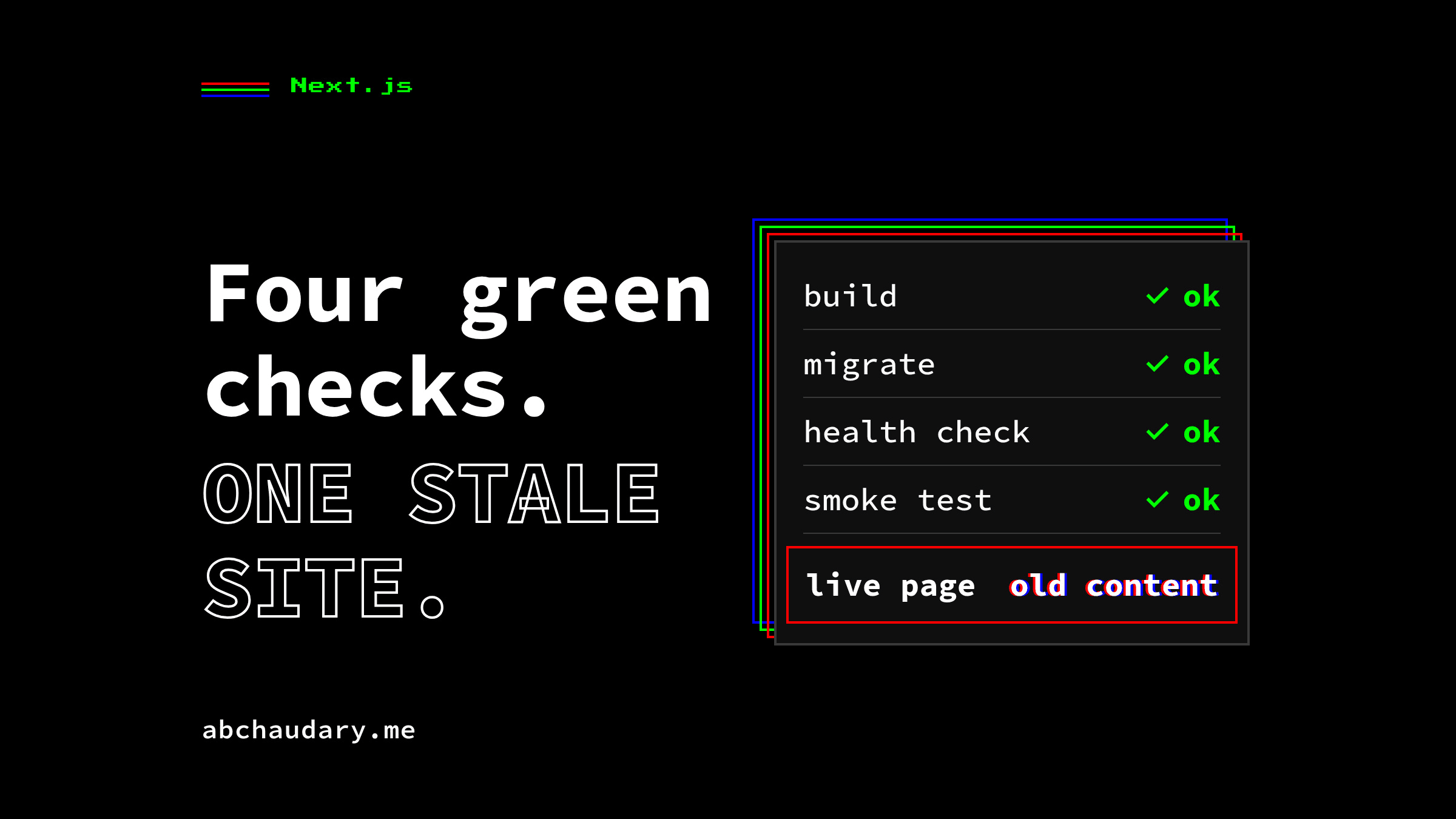
A Next.js deploy passed build, migrate, health check and smoke test, yet the live site kept serving the old content. The cause was Docker's layer cache.
TL;DR: On 2026-09-07 I pushed six rewritten project case studies into this site's production database with a script and redeployed, expecting the rebuild to pick them up. Build, migrate, health check and smoke test all went green, and the Next.js site kept serving a stale page with the old content. The cause was Docker's layer cache, not any Next.js cache: nine routes read the database at build time, and Docker's cache key can't see a database change. The fix is a CACHE_BUST build ARG, set fresh on every deploy.
Why does a Next.js deploy still show a stale page?
A Next.js deploy can report success and still serve a stale page when next build reads a database and Docker replays that build from its layer cache. The cache key covers the Dockerfile and the copied files. It does not cover the data, so the old prerendered HTML ships again.
The content went in through load-drafts.ts and set-meta-titles.ts, straight to the production database, and the redeploy ran through GitHub Actions. Build: green. Database migration: green. Health check: green. Smoke test: green. The live site kept serving the old case studies anyway.
This site is Next.js on Payload CMS, self-hosted on a VPS with Docker Compose and a GitHub Actions pipeline (the project page covers how the site itself is built). Nine routes call generateStaticParams and read the database at build time: blog/[slug], blog/category/[slug], blog/page/[n], projects/[slug], tags/[slug], authors/[slug], and three photo routes: photos/[category], photos/page/[n] and photos/[category]/page/[n]. All nine are pre-rendered to static HTML during next build, using DATABASE_URI supplied as a BuildKit secret so it never lands in the image. On a site shaped this way, a stale page after deploy means the build produced the old HTML again. No cache was intercepting a correct response. That distinction is the whole diagnosis. This site has had a green-build, wrong-output bug before: a generateMetadata bug that put localhost:3000 in page titles across ten routes, inside Next's request lifecycle.
Is this the Next.js Data Cache or the Router Cache?
No. The Next.js Full Route Cache, Data Cache, Router Cache and ISR revalidate windows were not the cause here, even though every generic explainer for "Next.js stale content" points at them first. Two facts about how content reaches this site ruled all of them out.
First, the content push runs from a script (scripts/load-drafts.ts or the equivalent write against Payload's Local API), not through a browser request to the running Next server. Payload's afterChange hooks call revalidatePath and revalidateTag on every write, but that code imports next/cache dynamically and swallows the failure when there's no Next runtime to talk to, exactly the case for a script running outside the server process. Run from a script, the hook logs one debug line, "revalidation skipped, no Next.js cache in this context", and moves on. Nothing in the Data Cache or Router Cache was stale, because nothing ever asked either cache to update.
Second, none of the nine affected routes are ISR-revalidated. They're static output from generateStaticParams, and Next's own reference for that function is explicit that "during revalidation (ISR), generateStaticParams will not be called again," which only matters if a route opts into revalidation in the first place. These routes don't. Whatever HTML next build produced is what ships until the next build.
Ruling out ISR and the Data Cache left one question: had the build actually re-run at all? The answer sat a layer below Next.
Why doesn't Docker know the database changed?
Docker's build cache is keyed on the Dockerfile's instruction text and on the contents of files copied into the build context. It has no visibility into anything a RUN step reads over the network or through a mounted secret, which includes a database connection. If neither the instructions nor the copied files changed, every downstream layer is replayed from cache instead of executed, even if the command inside it would have produced a different result this time.
Docker's own build-cache documentation lists both triggers: "Any changes to the command of a RUN instruction invalidates that layer," and "Any changes to files copied into the image with the COPY or ADD instructions." Once one layer invalidates, every layer after it does too; nothing downstream of a cache hit gets re-evaluated on its own. In this Dockerfile the builder stage's final RUN mounts a DATABASE_URI secret and runs payload generate:importmap && npm run build, the step that actually reads the database and bakes static HTML. Its instruction text never changes between a code-only deploy and a content-only one. On a content-only push, the build's final RUN and the COPY . . step before it are both still cache hits, so the previous image's already-baked HTML ships again, even though the build reports success.
I built a minimal reproduction for this article (2026-09-28, Docker 29.3.1, BuildKit, # syntax=docker/dockerfile:1.7) to check the mechanism in isolation, outside the real Dockerfile's complexity: an 11-line Dockerfile with a secret standing in for the database, and a RUN step that bakes the secret's value into a page. First build, the "database" says version 1:
# build 1: database says version 1
<h1>Post title: version 1</h1>
Second build: the database now says version 2, no source file touched, default CACHE_BUST:
#8 [builder 3/5] RUN echo "cache bust: 1" > /dev/null
#8 CACHED
#9 [builder 4/5] COPY app.txt .
#9 CACHED
#10 [builder 5/5] RUN --mount=type=secret,id=db,target=/run/db sh -c 'echo "<h1>$(cat /run/db)</h1>" > page.html'
#10 CACHED
<h1>Post title: version 1</h1>
Every step is CACHED, and the page still says version 1. Third build: same database, with a fresh cache-bust value shaped like the one the real workflow passes:
#9 [builder 3/5] RUN echo "cache bust: run-1790594507-1" > /dev/null
#9 DONE 1.1s
#10 [builder 4/5] COPY app.txt .
#10 DONE 0.2s
#11 [builder 5/5] RUN --mount=type=secret,id=db,target=/run/db sh -c 'echo "<h1>$(cat /run/db)</h1>" > page.html'
#11 DONE 1.1s
<h1>Post title: version 2</h1>
Changing the ARG's value changes the effective instruction text of the RUN echo step that consumes it, which invalidates that layer and, by the downstream rule, every layer after it, including the one that actually reads the secret. The reproduction makes the underlying point visible: a BuildKit secret's contents are not part of the cache key, and neither is anything a build reads over the network. Only instructions, ARGs, and build-context files are.
Where does a CACHE_BUST ARG have to sit in the Dockerfile?
It has to sit in the builder stage, after the dependency-install stage, and immediately before COPY . .. That position invalidates the layer that copies source and runs next build, and everything after it, on every deploy, without forcing npm ci to re-run when only content changed.
The builder stage, abridged from this site's Dockerfile:
FROM node:${NODE_VERSION} AS builder
WORKDIR /app
RUN apk add --no-cache libc6-compat
COPY --from=deps /app/node_modules ./node_modules

# Docker's layer cache is keyed on the build context's file contents, which don't
# change when only the database does. CACHE_BUST is passed a fresh value on every
# deploy, so this layer and everything after it always re-run.
ARG CACHE_BUST=1
RUN echo "cache bust: ${CACHE_BUST}" > /dev/null

COPY . .

RUN --mount=type=secret,id=build-env,target=/app/.env.local \
    npx payload generate:importmap && npm run build
And on the CI side, .github/workflows/deploy.yml sets that ARG to a value that's fresh on every run, including a manual re-run of the same commit:
      - name: Build image
        env:
          CACHE_BUST: ${{ github.run_id }}-${{ github.run_attempt }}
        run: docker compose build
Two placement decisions matter and both are easy to get backwards:
CACHE_BUSTsits after the dependency stage, not before it.COPY --from=deps /app/node_modulesruns before theARG, so an unrelated content-only deploy never re-triggersnpm ci. Only the layers that read source and build the app pay the cost.CACHE_BUSTsits beforeCOPY . ., not after it. Downstream invalidation only reaches layers that come after the one that changed. AnARGplaced after the source copy would invalidate nothing the source copy already did, and the build step further downstream would still be a cache hit.
ARG, not ENV, is deliberate too: Docker's own reference for ARG states it "is not embedded in the image and is not available in the final container," so a per-run value like a GitHub Actions run ID never leaks into the runtime image or its history.
How do you verify the fix actually forces a rebuild?
Read the BuildKit log. On a deploy with a fresh CACHE_BUST, the builder steps from the cache-bust RUN onward print DONE, not CACHED. If the build step says CACHED, the old HTML is shipping again. The reproduction above shows both states side by side.
On the production workflow, the equivalent guarantee is structural rather than a one-off check: CACHE_BUST: ${{ github.run_id }}-${{ github.run_attempt }} is unique to every workflow run, including a workflow_dispatch re-run of the same commit with nothing new to build, so the builder stage has no code path left where it can legitimately stay cached. docker-compose.yml passes it through as args: CACHE_BUST: ${CACHE_BUST:-1}, with the :-1 default only mattering for a build run by hand outside the workflow.
When does this not apply?
The CACHE_BUST fix applies only when a Docker build reads external state, here a database via generateStaticParams, inside a layer Docker's cache otherwise treats as unchanged, combined with a content path that bypasses the running app. Outside that shape, other mechanisms apply and this fix is the wrong tool.
docker build --no-cachealso forces a rebuild, but it rebuilds every layer, includingnpm ciin the dependency stage. It works, and it costs far more time per deploy than invalidating one downstream layer.- On-demand revalidation or ISR would let a content change ship without any rebuild at all, and on this site it already does for admin-UI edits: Payload's
afterChangehooks callrevalidatePath/revalidateTagagainst the live Next process, and those calls take effect immediately, no redeploy. The mechanism this article describes exists specifically for the other path: a script writing straight to Postgres, outside the running server, where there's no live cache to invalidate in the first place.CACHE_BUSTand revalidation solve different halves of the same "content changed without a code change" problem. output: 'standalone'is what this project already uses, and it doesn't change the mechanism described here: the cache-key problem is entirely inside the builder stage, before Next's own output tracing runs.- The smoke test could not have caught it. It checks that
/returns 200, which the stale image does. A content-freshness check (fetch a page and look for the value just written) would have turned this green deploy red; this site does not run one.
Every check in the pipeline asked whether the site was up. None asked what it said.
If your build reads a database, what do you key the cache on: a per-run value like this one, or a hash of the data the build reads?
References
- Docker build cache concepts: the
COPY/ADDandRUNinvalidation rules, and the downstream-invalidation rule. - Docker build cache overview: the same mechanism with the general "once a layer changes, all downstream layers need to be rebuilt" statement.
- Next.js:
generateStaticParams: confirms this runs duringnext build, and not again during ISR revalidation. - Docker Dockerfile reference:
ARG: confirms anARGvalue is not embedded in the final image. - This project's own deploy workflow (
Dockerfile,.github/workflows/deploy.yml, commit6ac345c, 2026-09-07): the primary source for the incident itself.