Trivy and Snyk Gates in GitLab CI: What Should Block?
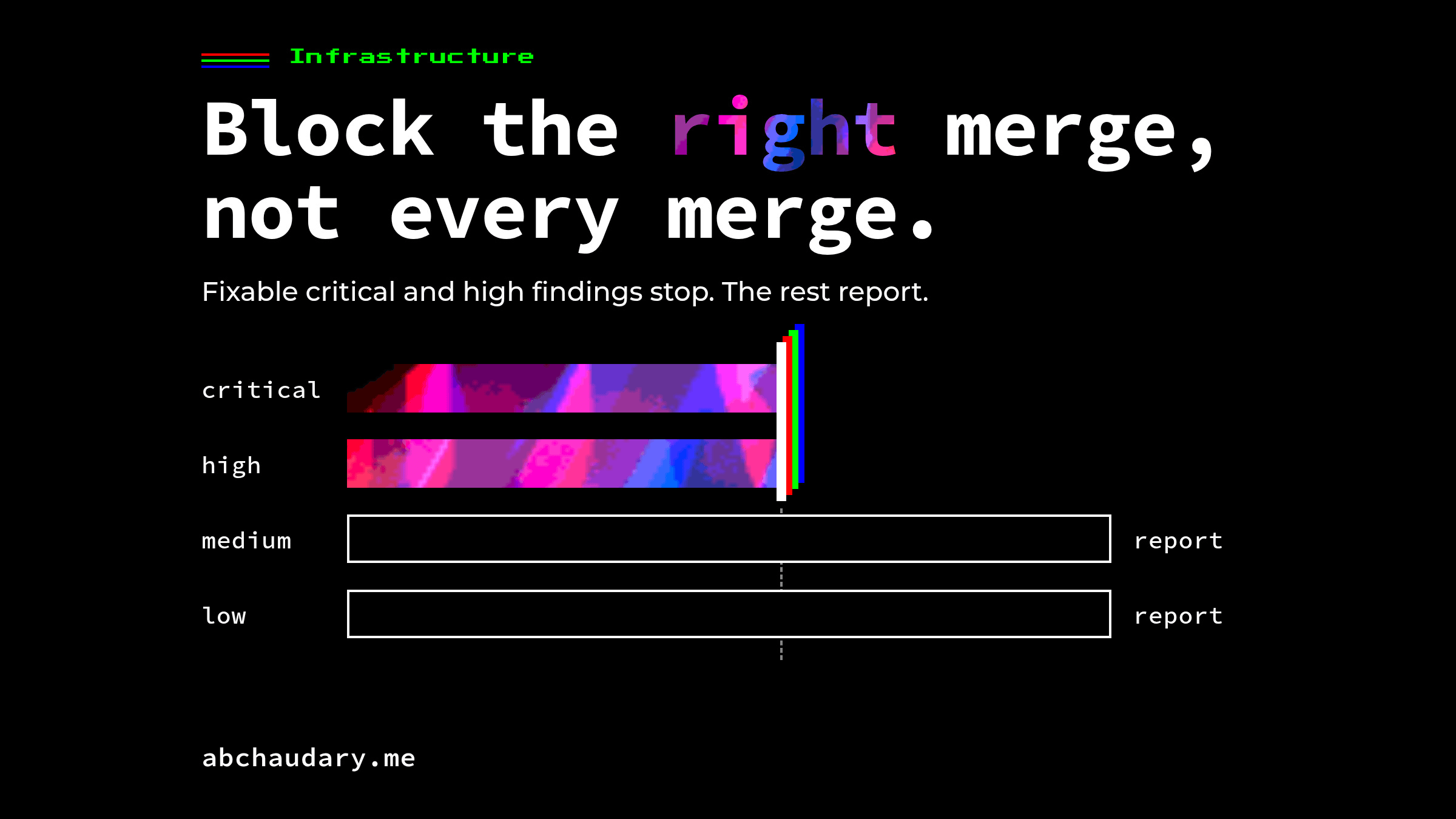
A Trivy and Snyk security gate in a GitLab CI pipeline earns its place by blocking the right merge: fixable critical and high findings stop, the rest report, and every ignore expires.
TL;DR: A Trivy and Snyk security gate in a GitLab CI pipeline earns its place by blocking the right merge, not every merge. Let Trivy gate the container image and Snyk gate the project's dependencies, block only critical and high findings that already have a fix, report everything else, and give every ignore an expiry date. Then make sure GitLab actually enforces it: no allow_failure on the gating job, scans in the merge request pipeline, and Pipelines must succeed turned on.
What Should a GitLab CI Security Gate Block?
A GitLab CI security gate should block a merge only for findings a developer can act on today: critical and high severity vulnerabilities that already have a fixed version. Everything else, from medium findings to vulnerabilities with no fix yet, belongs in a report the team reviews, not in a red pipeline that stops work.
The reason is trust. A gate that fails on every finding gets bypassed within weeks, because a developer cannot fix a vulnerability that has no upstream patch, and a team that is blocked by things it cannot change learns to route around the gate. A gate that fails rarely, and is always right when it does, gets fixed instead of ignored.
I've run Trivy and Snyk on client pipelines as part of a wider security program: WAF, SAST and DAST, container scanning, and IAM hardening. Together they cut critical vulnerabilities by 80% within the first two quarters. The scanners found the problems; the gate design decided whether anyone fixed them.
What Do Trivy and Snyk Each Cover in a GitLab CI Pipeline?
Trivy and Snyk overlap more than most comparisons admit. Both scan operating system packages in a container image and the language dependencies inside it. The useful split is by job: Trivy gates the built image, and Snyk gates the project's dependency manifests and keeps watching them after the merge.
What each tool documents, as of Trivy v0.75.0 and Snyk CLI v1.1307.4:
- OS packages in an image: Trivy with
trivy image; Snyk withsnyk container test. - Language dependencies: Trivy inside an image or with a filesystem scan; Snyk with
snyk test, from manifests and lockfiles. - Secrets: Trivy with
--scanners secret, on by default for image scans. - IaC and Dockerfile misconfiguration: Trivy with
--scanners misconfigandtrivy config; Snyk withsnyk iac test. - First-party code (SAST): not a Trivy scanner; Snyk with
snyk code test. - Re-testing after merge: Trivy is a point-in-time scan; Snyk has
snyk monitor, daily by default.
GitLab already ships one of these: its docs say "GitLab integrates with the Trivy security scanner to perform vulnerability static analysis in containers", and the Container Scanning template runs it on the Free tier. GitLab's own comparison draws the same line I use for the split: dependency scanning covers development dependencies, while container scanning covers "the operating system's (OS) packages."
Running both is worth it when you want the two strengths that do not overlap: Trivy's free, fast image scan in every pipeline, and Snyk's continuous monitoring of dependencies, which catches a new CVE in code that merged clean last week.
How Do You Make Trivy Actually Fail a GitLab CI Job?
You make Trivy fail a job by passing --exit-code 1, because by default it does not. Trivy's documentation is explicit: "By default, Trivy exits with code 0 even when security issues are detected." A Trivy step without that flag is a report, however red its output looks.
I checked this on Trivy 0.75.0 against alpine:3.16.3, an end-of-life image with known vulnerabilities. With --severity HIGH,CRITICAL and no --exit-code, Trivy listed 10 high findings and exited 0. With --exit-code 1, the same scan exited 1.
A Trivy job that reports everything and blocks only what matters:
trivy_image:
  stage: scan
  image:
    name: aquasec/trivy:0.75.0
    entrypoint: [""]
  variables:
    GIT_STRATEGY: none
    TRIVY_USERNAME: "$CI_REGISTRY_USER"
    TRIVY_PASSWORD: "$CI_REGISTRY_PASSWORD"
    TRIVY_AUTH_URL: "$CI_REGISTRY"
    TRIVY_NO_PROGRESS: "true"
    IMAGE: "$CI_REGISTRY_IMAGE:$CI_COMMIT_SHA"
  script:
    # Full report for the security dashboard: never blocks
    - trivy image --exit-code 0 --format template --template "@/contrib/gitlab.tpl" --output gl-container-scanning-report.json "$IMAGE"
    # The gate: fixable high and critical findings block the merge
    - trivy image --exit-code 1 --severity HIGH,CRITICAL --ignore-unfixed "$IMAGE"
  artifacts:
    when: always
    reports:
      container_scanning: gl-container-scanning-report.json
--ignore-unfixed is what keeps the gate fair. Trivy describes it as a way "to skip all unfixed vulnerabilities", showing "fixed" vulnerabilities only, so every blocking finding comes with an upgrade path. Trivy can also fail on an unsupported base image: --exit-on-eol 1 exits with that code "when the OS reaches end of service/life", and on the same Alpine 3.16 image it did.
How Do You Make Snyk Fail Only on Fixable High Findings?
Snyk fails by default, so the work is narrowing it. snyk test exits 1 when it finds vulnerabilities, and Snyk's CI guide gives the two flags that narrow the gate: --severity-threshold=high to "fail the build only for high-severity issues", and --fail-on=upgradable to "fail the build only for issues that are upgradable."
snyk_dependencies:
  stage: scan
  image: snyk/snyk:node
  script:
    # SNYK_TOKEN comes from a masked CI/CD variable
    - snyk test --all-projects --severity-threshold=high --fail-on=upgradable
  allow_failure:
    exit_codes: [2]

snyk_monitor:
  stage: scan
  image: snyk/snyk:node
  rules:
    - if: $CI_COMMIT_BRANCH == $CI_DEFAULT_BRANCH
  script:
    - snyk monitor --all-projects
The exit codes are why this works. Snyk documents four: 0 for no vulnerabilities, 1 for "action_needed (scan completed), vulnerabilities found", 2 for "failure, try to re-run the command", and 3 for "failure, no supported projects detected." GitLab's allow_failure:exit_codes lets a job fail softly on listed codes only, so the job above lets a Snyk outage (2) through with a warning while findings (1) and a broken setup (3) still block. If an outage should block too, drop the allow_failure block: that is a policy decision, so make it on purpose.
snyk monitor runs on the default branch only. It "creates a project in your Snyk account to be continuously monitored", re-testing daily by default, which is the part of the gate that keeps working after the merge.
How Do You Stop a GitLab CI Security Gate From Becoming Theatre?
A security gate becomes theatre when the scan fails and the merge goes through anyway. In GitLab that happens in three ways: an allow_failure on the gating job, scans that never run in the merge request pipeline, and a project that does not require pipelines to pass.
allow_failure: trueturns a gate into a warning. GitLab's docs: "When jobs are allowed to fail (allow_failure: true) an orange warning indicates that a job failed. However, the pipeline is successful." Trivy's own GitLab tutorial setsallow_failure: trueon the first example job, the one carrying the--exit-code 1line, so a pipeline copied from it never blocks. Useallow_failure:exit_codeswhen you need a soft failure, never the blankettrue.- The scan has to run where the merge is decided. GitLab is precise here: "If multiple pipeline types run for the same merge request, GitLab checks only the merge request pipelines for success." Its security templates are "configured to run for branch pipelines only" by default; set
AST_ENABLE_MR_PIPELINESto"true"to move them. A scan that only runs in the branch pipeline can fail while the merge request pipeline passes, and GitLab merges. - Turn on Pipelines must succeed. Under Settings > Merge requests > Merge checks, the setting "also prevents merge requests from merging if there is no pipeline", and skipped pipelines block too unless you tick Skipped pipelines are considered successful.
The workflow rules that put the gate in merge request pipelines, defined directly in .gitlab-ci.yml because GitLab notes rules inside include: do not satisfy the requirement:
workflow:
  rules:
    - if: $CI_PIPELINE_SOURCE == "merge_request_event"
    - if: $CI_COMMIT_BRANCH == $CI_DEFAULT_BRANCH
Then protect the default branch, so nobody pushes past the merge request to begin with. GitLab protects it by default; check that nobody has loosened it.
How Should Overrides and False Positives Expire?
Every override should carry an expiry date and a reason, so an accepted risk comes back for review instead of disappearing. Both scanners support this natively: Trivy with exp: in .trivyignore, and Snyk with expires: in the .snyk policy file. An ignore without a date never expires, which makes it permanent by accident.
# .trivyignore
# No fixed base image yet; review when the vendor ships one
CVE-2025-26519 exp:2026-10-21
snyk ignore --id=<ISSUE_ID> --expiry=2026-10-21 --reason="Not reachable: test-only dependency"I tested the Trivy side on 0.75.0: an entry with a future exp: date suppressed its finding, and an entry whose date had passed stopped suppressing it, so the finding was back in the scan output and back in the gate's way. That is the behaviour you want: the exception ends on its own, and nobody has to remember to remove it.
Three rules keep overrides honest:
- Overrides live in the repository and arrive by merge request, so every exception has an author, a reviewer and a commit history.
- The reason names why the risk is acceptable, not just "false positive": unreachable code path, no fix upstream, compensating control in place.
- Expiries are short. Thirty days is long enough to ship a fix and short enough that the decision gets made again with new information. Trivy's
--show-suppressedlists ignored findings with their status, which makes a review quick.
What Does a Security Gate Not Catch?
A dependency and image gate catches known vulnerabilities in code you did not write. It does not catch flaws in your own code, a misconfigured server, a leaked credential in production or an attack in progress. Those need SAST and DAST, secret management, a WAF and runtime monitoring, which is why the 80% reduction above came from the whole program, not the gate alone.
The gate is one layer of the security baseline that sits around the pipeline: firewalls, VPN-only access, secrets in Vault and TLS everywhere. A clean scan on a merge request says the code is free of known, fixable vulnerabilities at that moment. It says nothing about tomorrow's CVE, which is the job snyk monitor and a regular rebuild are there for.
Limitations
- Client pipelines are under NDA, so the configuration above is written fresh from Trivy's, Snyk's and GitLab's documentation rather than copied from client repositories.
- The Trivy behaviour was run on 2026-10-07 with Trivy 0.75.0 against
alpine:3.16.3: default exit code 0 with findings, exit 1 with--exit-code 1, the end-of-life exit, and.trivyignoreexpiry. The Snyk commands and exit codes are from Snyk CLI v1.1307.4's documentation; Snyk needs an account token, so they were not run here. - The GitLab YAML follows GitLab's documentation; job images, registry authentication and runner tags vary by installation.
- "Critical and high, fixable only" is a starting threshold. A regulated environment may need to block more; a large legacy codebase may need to start at critical only and tighten.
A gate the team trusts is worth more than a strict one it routes around. What does your pipeline block on today: critical only, or high too? More field notes on infrastructure and delivery.
References
- Trivy: Exit code and end-of-life options, Filtering and GitLab CI tutorial (v0.75.0).
- Snyk CLI: test, monitor and ignore (v1.1307.4), and Snyk test and snyk monitor in CI/CD integration.
- GitLab:
allow_failure, merge request pipelines, Pipelines must succeed, container scanning and security configuration.